Sources that shaped this piece:
- OpenAI: Harness Engineering
- Anthropic: Effective Harnesses for Long-Running Agents
- Walking Labs: Learn Harness Engineering
Intro: The Model Is Not Always the Villain
Harnesses are the new moat, and for good reason. For the past few years, the industry has been trying to improve models and their inference layer by either throwing more compute at them, improving architectures with more and more ingenious mathematical formulas (shoutout to those genius Chinese researchers), or optimising the serving layer.
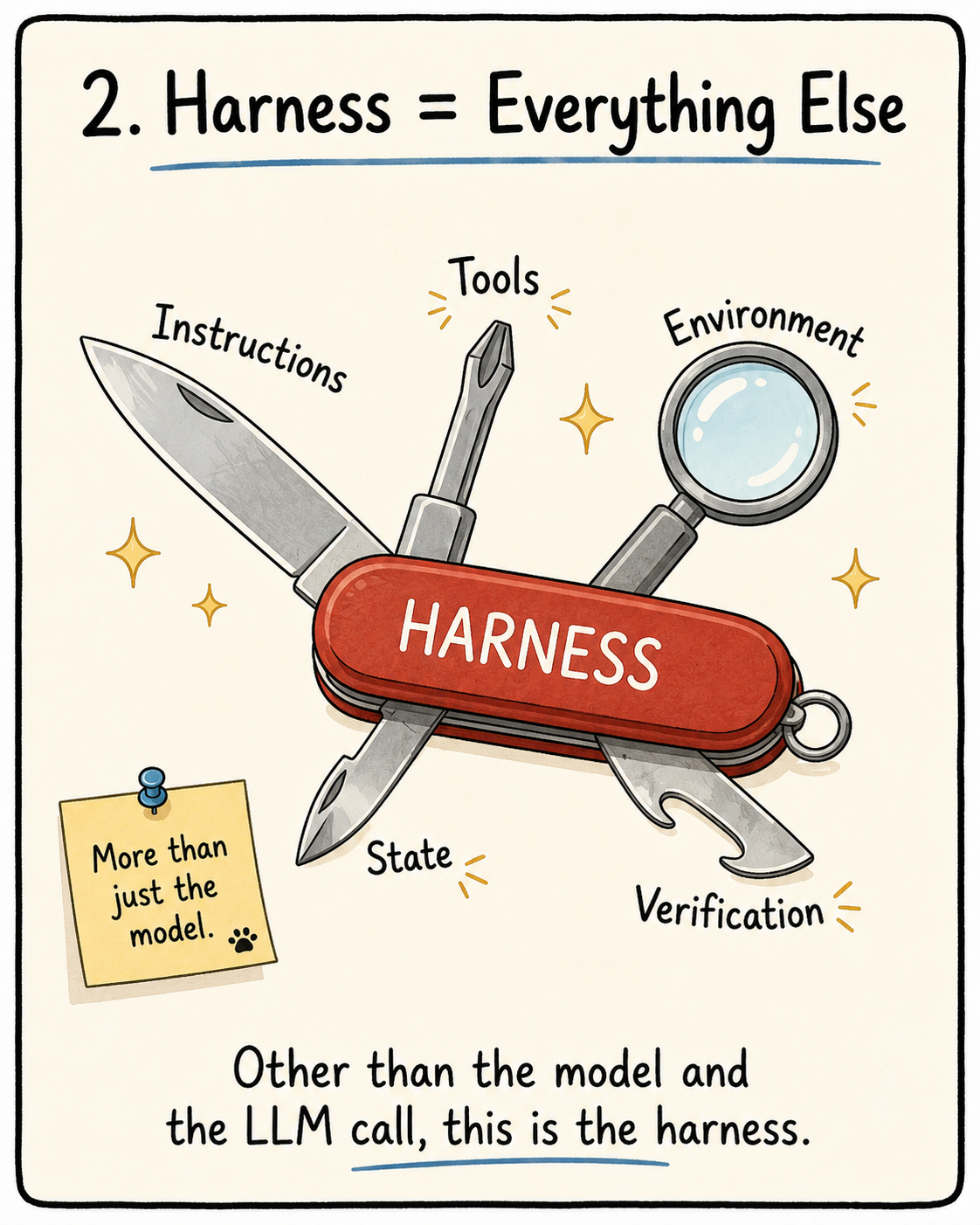
But I feel we have reached an inflection point. As models become very capable, the differentiator shifts upwards. From the model layer, we need to start scrutinising the system wrapped around the model. This system is the instructions, tools, environment, state and verification loops.
That system is what is usually defined as a harness. For anyone still confused: other than the weights of the model and the LLM call, the harness is everything else.
To make the jump from a capable model to a production-ready AI system, the answer is not always “use a better model”. More often, it is “build a better harness.”
Before I start geeking out about the technical details, here’s the main takeaway: when things fail, don’t immediately change the model. Check the harness first. Ask these questions to triage the situation and see how to improve your system.
- Was the prompt/task unclear?
- Did I give enough context?
- Were there verification methods?
- Was there any issue with the environment setup?
- Did you lose some state/useful information from the previous session?
Improving your harness is not just about digging into the codebase to figure out how to optimise stuff like memory management and tool calling. It can be as simple as updating your AGENTS.md and giving clearer instructions and acceptance criteria.
Harnesses We Can Actually Touch
In this section, I’ll highlight some tips and tricks to keep in mind when using general coding harnesses like Claude Code and Codex.
So What Is This Harness Thing Made Of?
A harness has 5 subsystems:
- Instructions -> AGENTS.md
- Tools -> What tools are available? (For more understanding of tools, read the ToolFormer reading that I wrote.)
- Environment -> env for the tools/code to run in
- State -> PROGRESS.md
- Feedback -> Tests that tell the agent it is failing/going in the wrong direction
If It’s Not in the Repo, It’s a Rumour
“Information that doesn’t exist in the repo doesn’t exist for the agents” is something you need to keep in mind. For the harnesses to work effectively, we need to put the right information in the right place. Just because the knowledge lives in your and your teammates’ heads, it doesn’t mean the agent can access it.
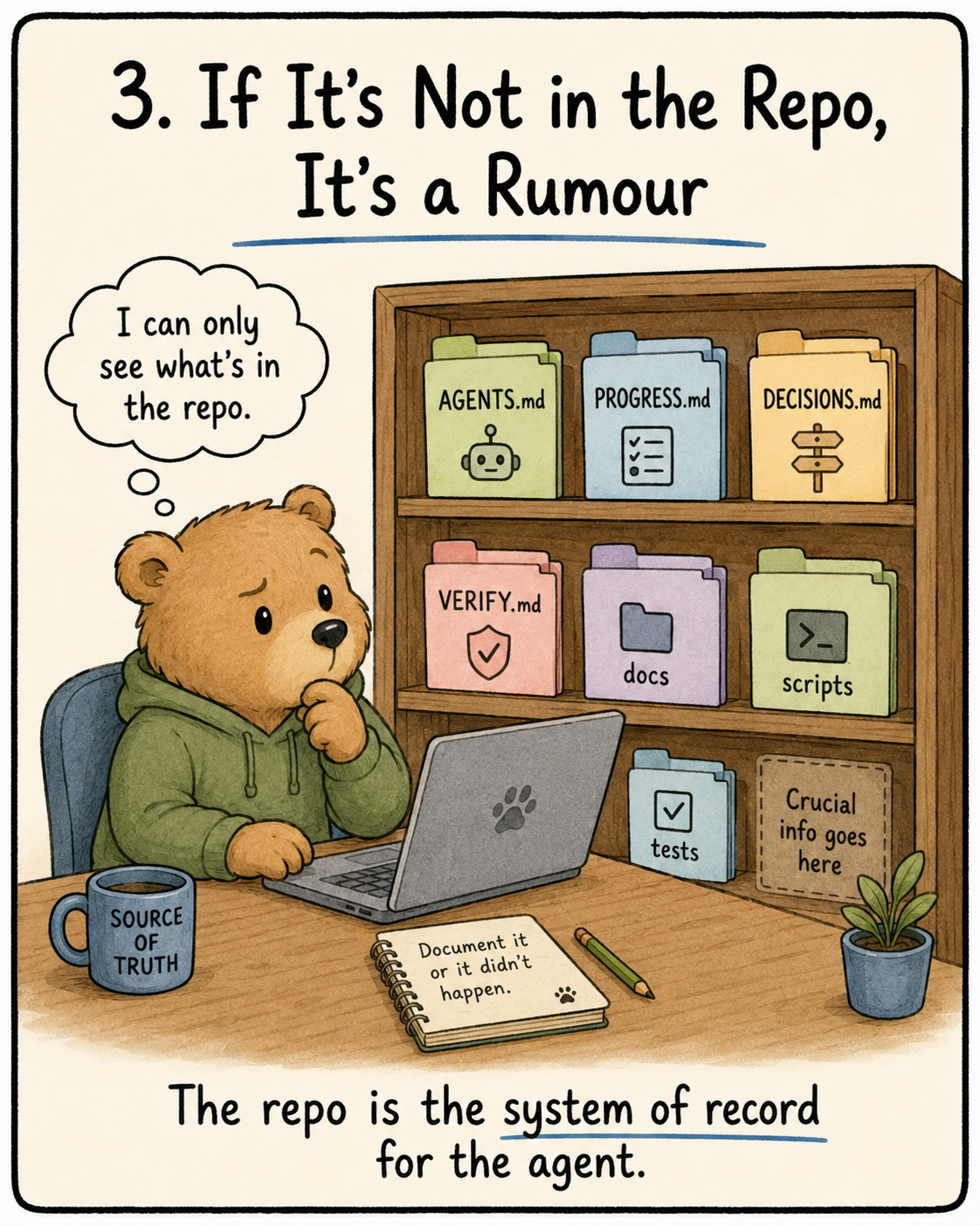
The repository is no longer just a place to store code. It becomes the system of record for the agent. If the repository and reality diverge, the agent will follow the repository. This means workflows, constraints, conventions and operational knowledge need to be encoded directly into the codebase.
So we need a good map of documentation to code. How can we do this?
- Proximity is key. Keep the knowledge close to the code. Rules about API endpoints need to belong close to the API code.
- Standardised Entry File. This is your
AGENTS.mdfile that will act as a landing page and teach the agent what the project is about, how to run it and how to verify if the results are okay. Once the agent reads this, it needs to be able to operate on this repo. - Minimal is best. If you can remove a rule and the result is the same, off it goes. Be succinct and clear.
- Intent and Constraints. What agents lack is context on why something exists. Business logic and invariants are usually more valuable than explaining code that the agent can understand by itself.
- Optimise for discoverability. Agents find code while using ripgrep and indexing. Clear names, predictable structures and discoverable documentation go a long way in helping agents reason about and understand the codebase.
- Update the knowledge base with the code changes. Often we forget to update these files as we update our code. Create an automation to constantly keep the md files synced with the code.
Multiple Instruction Files > Single Instruction Files
AGENTS.md files rarely become bad overnight. They slowly decay one rule at a time. Once an agent makes a mistake, we prompt it to add this rule to the AGENTS.md file. Once, twice, and it keeps happening. We become unaware that the md file is getting more and more bloated. This brings about so many problems:
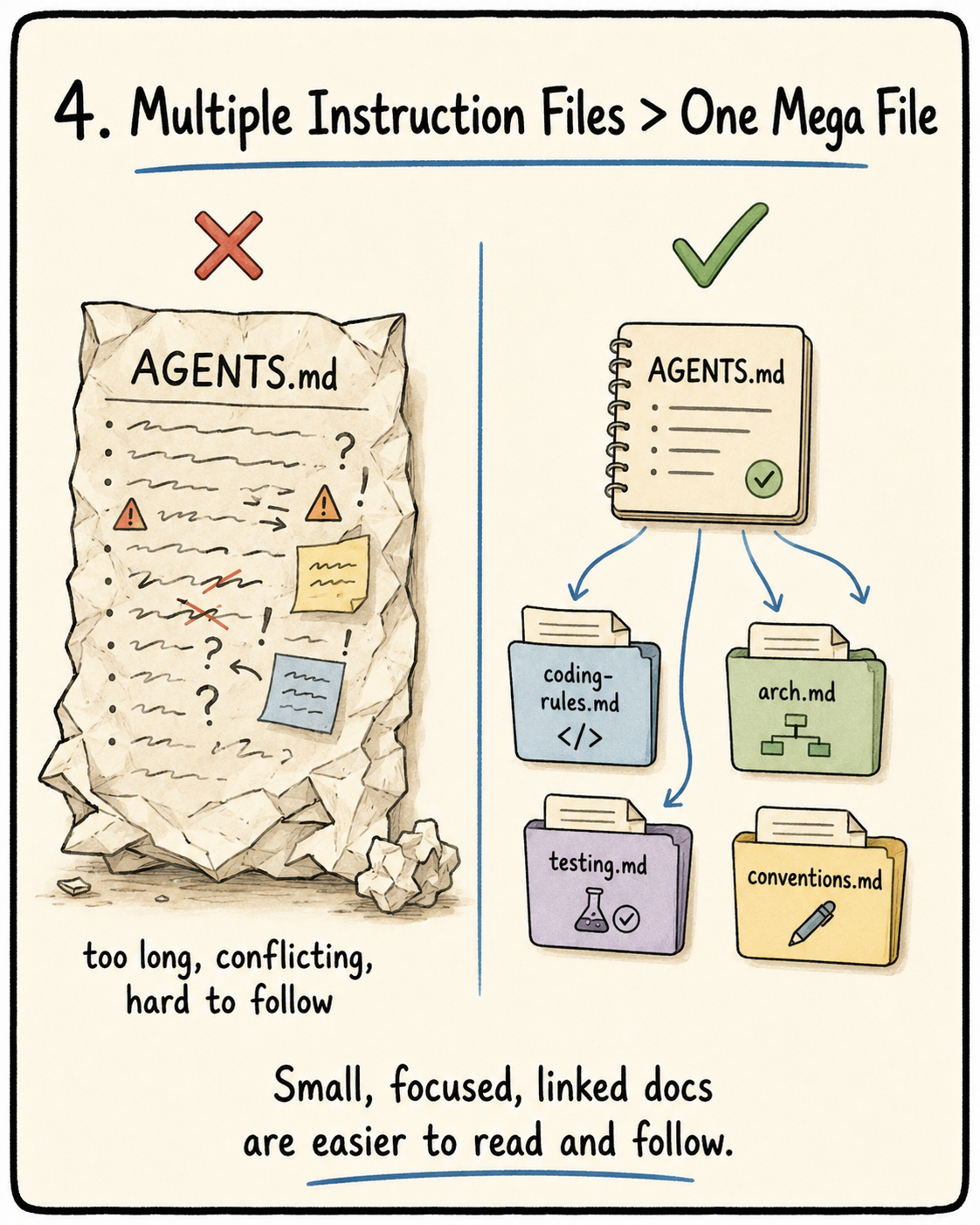
- Context window attrition. Since the
AGENTS.mdfile gets loaded on startup, if the file is large, a large part of the context window will be used to decode theAGENTS.mdfile - Lost in the middle. It has been proven that LLMs utilise information in the middle of long texts significantly less effectively than at the beginning or end.
- Priority conflicts. The file treats all rules as equivalent priority and has no understanding of hard constraints, guidelines etc.
- Contradiction Accumulation. Yesterday you added a rule saying we need to add types to all variables. Today you added a rule saying that for some variables we can use
Any. Just like it confuses humans, it confuses the model too.
Good guidelines to follow:
- Keep the
AGENTS.mdfile to 50 - 200 words. - Order it by Overview, commands to start, HARD constraints and links to detailed docs + when to read these docs.
- Topic docs should follow progressive disclosure and only be read when needed.
- Every rule should document its source (why was this added), applicability (“when does this rule apply”) and expiry conditions (“under what circumstance can we remove this rule”).
- If the information is very, very critical, keep it at the top or the bottom of the file to avoid Lost-in-the-Middle
- Prune instructions aggressively. Instruction files should not only grow. If a rule is outdated, duplicated, too specific or no longer useful, remove it.
Context is King
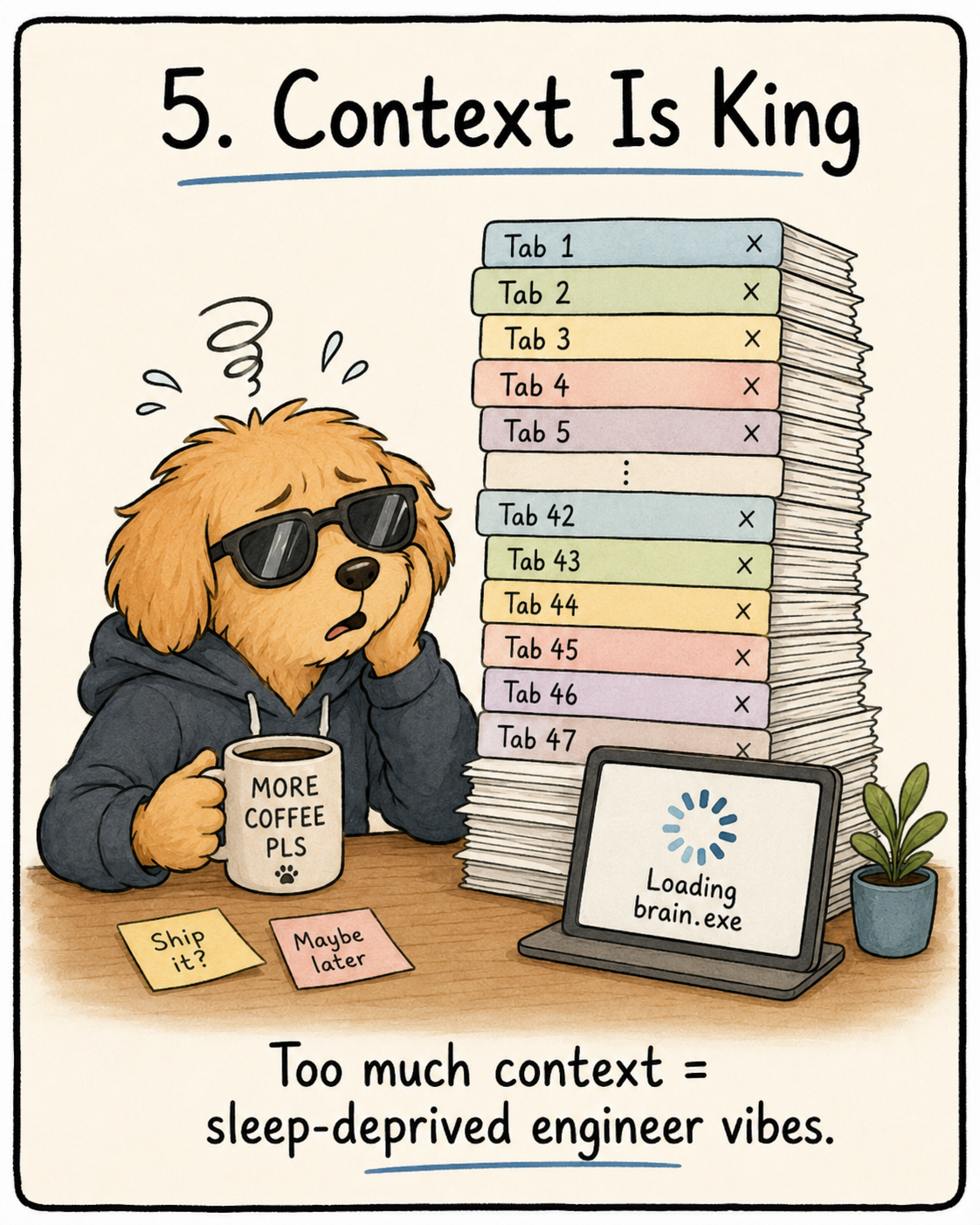
Context to a model is what working memory is to humans. Give it too much, and it starts acting like a sleep-deprived engineer with 47 browser tabs open (yes I’m referring to you). Context is a precious resource as the agent doesn’t just write code but it maintains indexes of its past decisions, previous tools, its understanding of the codebase and the context so far.
Some people trust the compacting of the harness. But the compaction strategies are not advanced enough yet. It usually just preserves the output but not so much the decisions as to why this output was chosen. These decisions are quite critical for the next session to understand the thinking process of the agent. Another interesting phenomenon highlighted in Anthropic’s article was that when context is running low, the agent gets “anxious” and rushes the solution by choosing the simple solution.
So if compacting is not good, is just clearing the context the best solution? The problem here is continuity loss. Every time a new session starts, the agent needs to rebuild the context of what happened previously. What files were changed? What decisions were made? What tests are passing? What is still broken? This is called the rebuild cost. A good harness should reduce this rebuild cost so the next session can become useful quickly instead of spending half the time rediscovering the repo.
Another danger is drift. Every new session can have a slightly different understanding of the task. One session may choose option B, the next session forgets why and slowly moves back towards option A. Across multiple sessions, this compounds and the final implementation can end up quite far from the original intent.
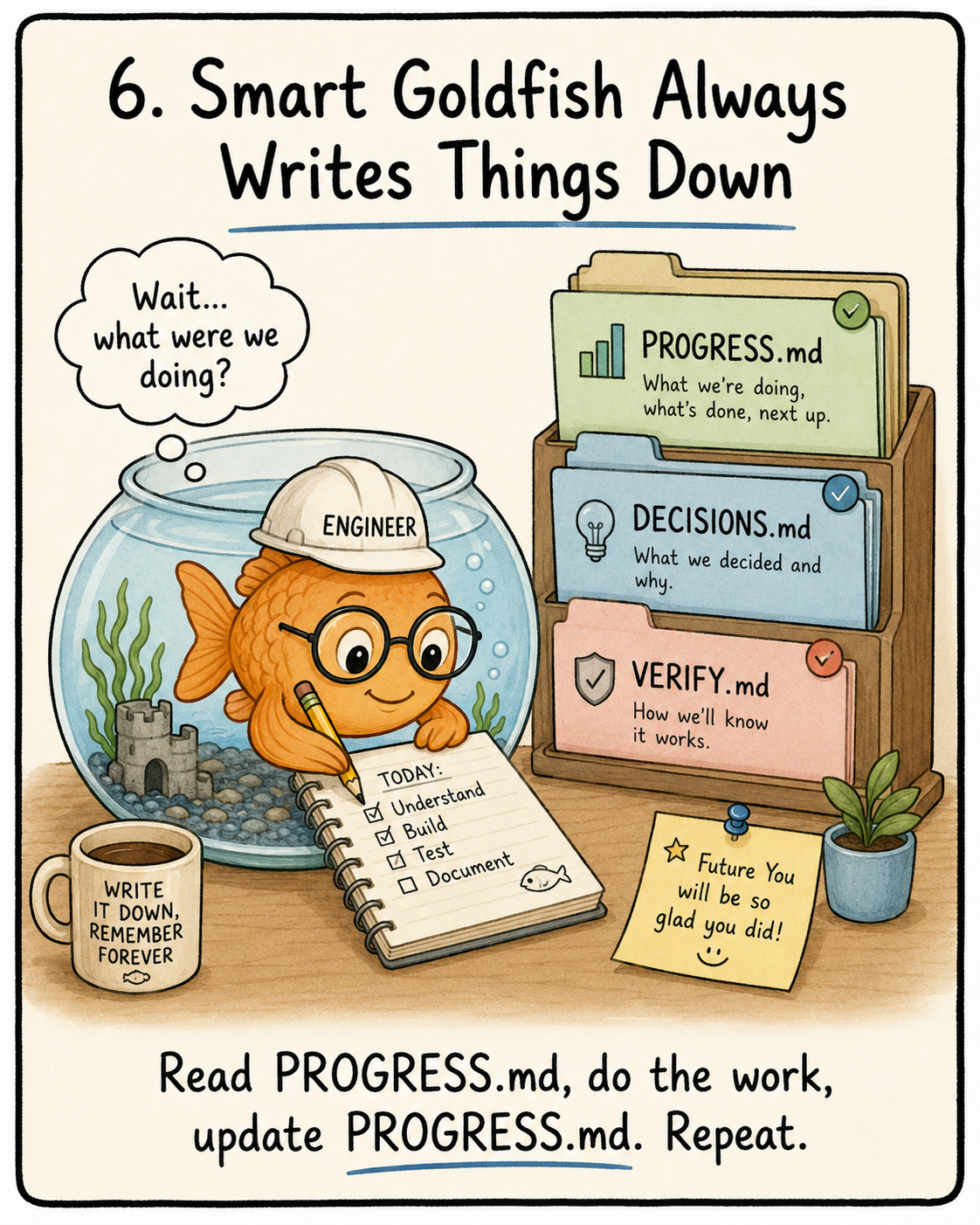
The fix for this: State Persistence. Before the session finishes, it logs the critical information in the respective files.
Tool 1: PROGRESS.md
Tool 2: DECISIONS.md. Why, when and what for the design decisions.
Tool 3: VERIFY.md or a verification section inside PROGRESS.md.
Tool 4: Git commits.
Tool 5: Hooks/init scripts to force the agent to read the respective files before starting.
The better mental model is to treat the agent like a really smart goldfish that has short-term memory loss. When it clocks in, it reads the current state. Before it clocks out, it writes down what was done, why it was done, what is broken and what should happen next.
Stop Letting Agents Rawdog the Repo
One of the easiest ways for you to burn your tokens and waste a session is to build a feature before it even understands the repo. Before understanding the project, tests and environment, it will try to add the code.
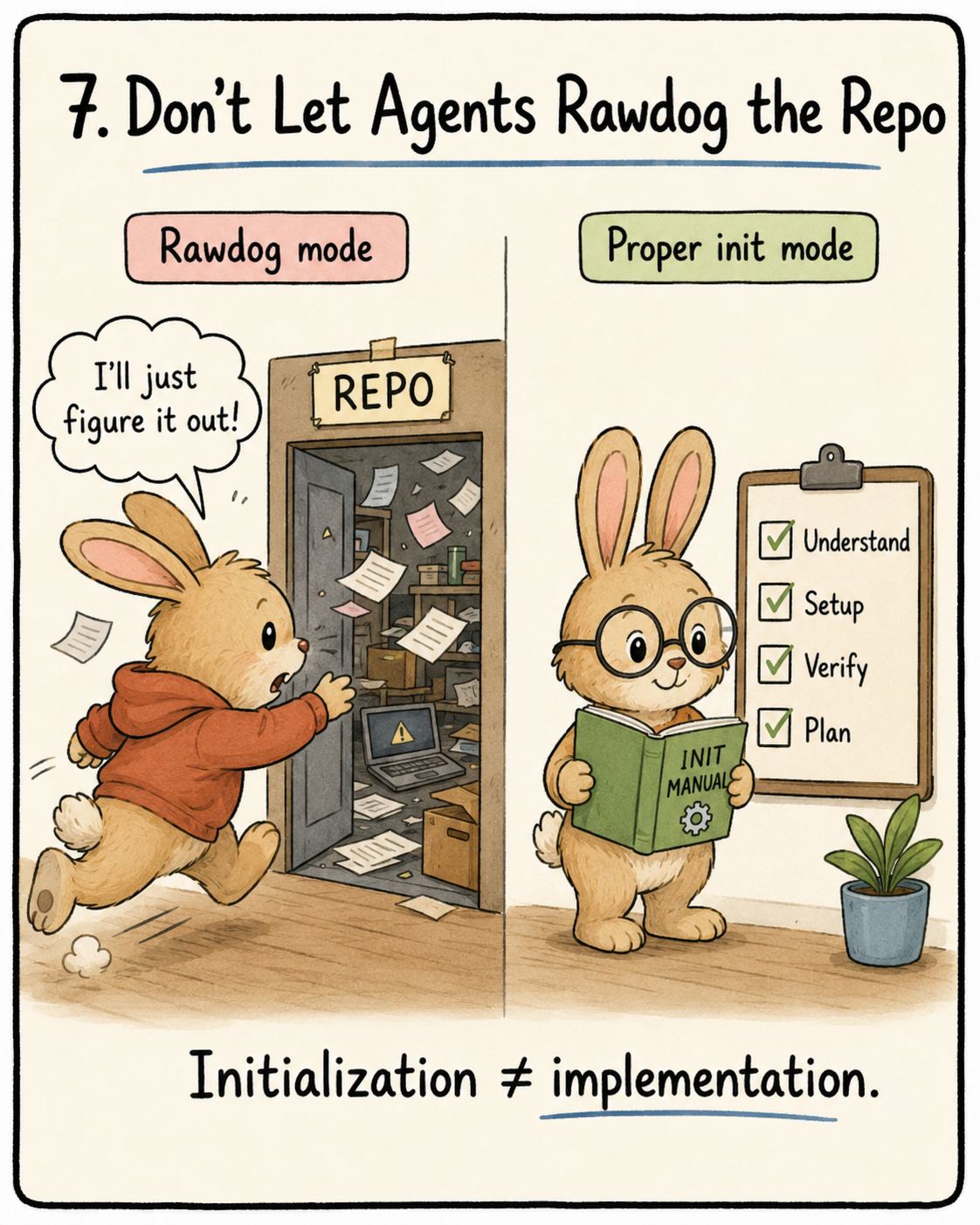
Initialization and Implementation have two very different optimisation targets. One is to maximise quantity and quality of output while the other is to maximise reliability and efficiency of subsequent implementations. When these mix, the agent naturally chooses writing code because there is visible output, and the reliable infrastructure does not get built, causing subsequent sessions to suffer. It will haphazardly build the test framework, lint rules etc.
The initialization phase should produce:
- Runnable environment. The project needs to actually start. Dependencies installed, env vars documented, dev server running. Sounds obvious, but so many agent sessions waste time because the agent starts building features before even checking whether the repo can run.
- Verified test framework. Not “tests probably work”. Actually verified. At least one sample test should pass. This is important because if the test framework is broken, every future validation step is fake confidence.
- Startup readiness checklist. This is basically the repo’s “read this before touching anything” file. It should tell the next agent how to set up, start, test, verify, and understand the current state of the project. The goal is simple: a fresh agent should be able to enter the repo and not act like it woke up in a foreign country with no map.
- Task breakdown with acceptance criteria. The agent should not be handed a vague mountain like “build the app”. Break it into ordered tasks with clear acceptance criteria. Each task should say what needs to be done and how we know it is done.
- Clean git checkpoint. Once the repo is initialized, commit it. This checkpoint becomes the safe baseline. From this point onwards, every implementation session starts from a known-good state instead of a half-setup mess.
The startup readiness checklist is the repo’s onboarding document for a fresh agent session. A new agent should be able to answer four questions from the repo alone:
- How do I start the project?
- How do I test the project?
- What is the current state?
- What should I work on next?
A good initialization phase means the repo is always ready to hand off. Any fresh agent session should be able to enter the repo, read the startup files, run the commands, understand the current state and continue without needing a human to explain everything again.
You Need Boundaries. So Does Your Agent.
One of the most dangerous phrases in agentic coding is “while I’m here”. Agents tend to be eager, as mentioned in the previous section. They overreach and under-perform. Just like …
They try to activate too many tasks at once. However, since there is limited attention, it has no choice but to underfinish, and the quality of the code written becomes questionable. This is actually a never-ending cycle.
The rule is very simple: WIP = 1. This basically ensures that there is only one active task at one time. The task should be finished, verified and committed before the agent can take on a new task. Not “also refactor this”. Not “might as well clean up that”. One task. One completion condition. One verified result.
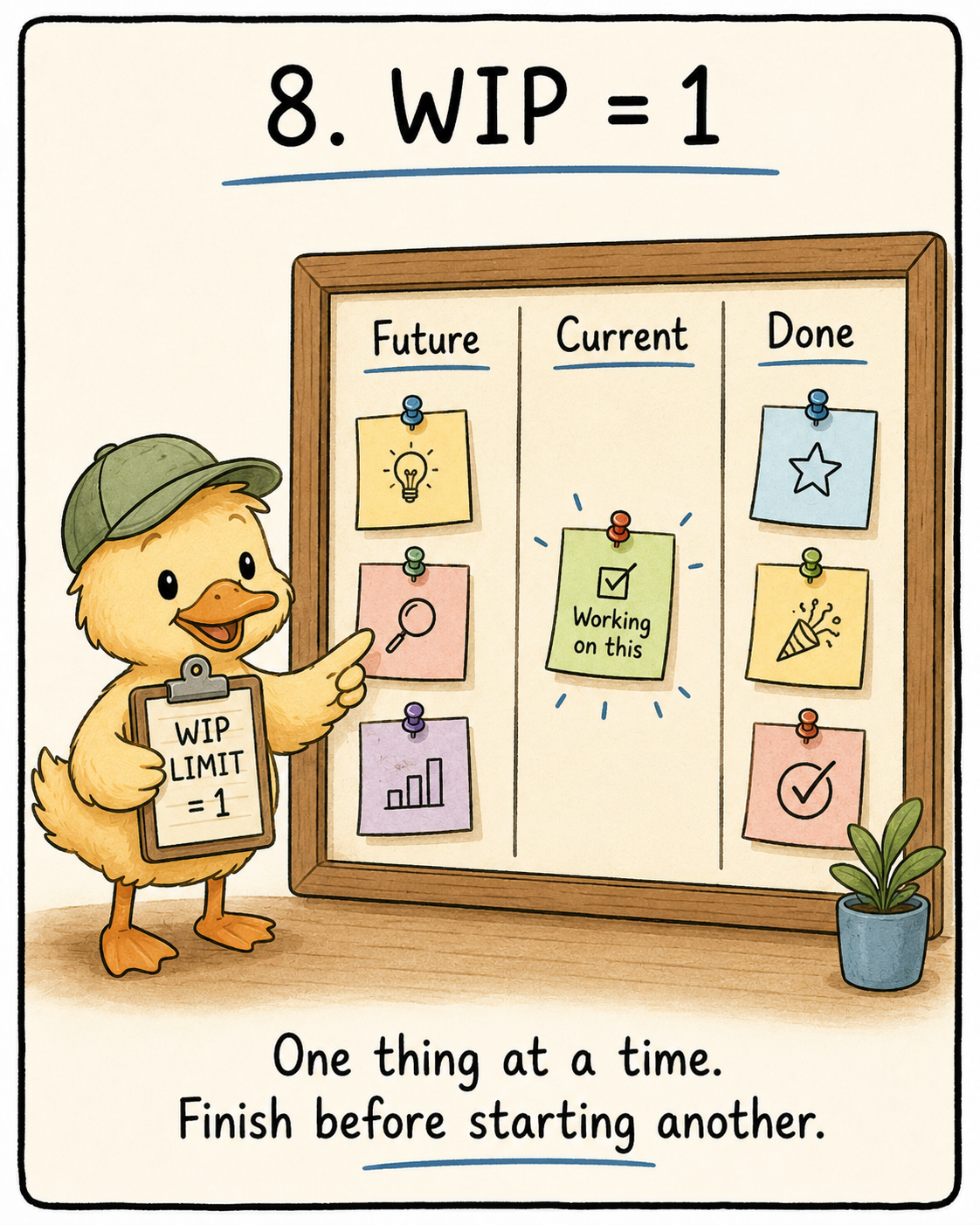
This is where task boundaries are important. We need to tell the agent what needs to be done and how to verify it. The harness needs a clear task board for the agent. Not some vague “build the app” instruction, but a small list that tells it what to work on now, what to ignore for later and how to know when it is actually done.
For each task, the agent should know:
- What is the task?
- Is this the current task or a future task?
- What does “done” mean?
- What command should I run to prove it works?
- Is it blocked, in progress or completed?
Think of it like a feature list given from a PM to an engineer. As an engineer, you get annoyed when tickets are vague, poorly scoped or have no clear definition of done. Same for agents. If the task does not clearly say what to build, what to ignore and how to prove it works, the agent will happily wander around the repo creating “progress”.
TLDR; Quality over quantity. Even if you do less, do it properly.
Stop Letting Your Agent Gaslight You
Agents have a lot of confidence. They often feel like they are “done”, but in fact, they are very far from it. The agent usually declares done based on local confidence. The code looks reasonable. The syntax is fine. Some unit tests pass. But system-level correctness needs more than that. The feature needs to actually run in the real environment and work across all the moving parts. The harness needs to step in and give it a reality check by having externalized, execution-based verification.
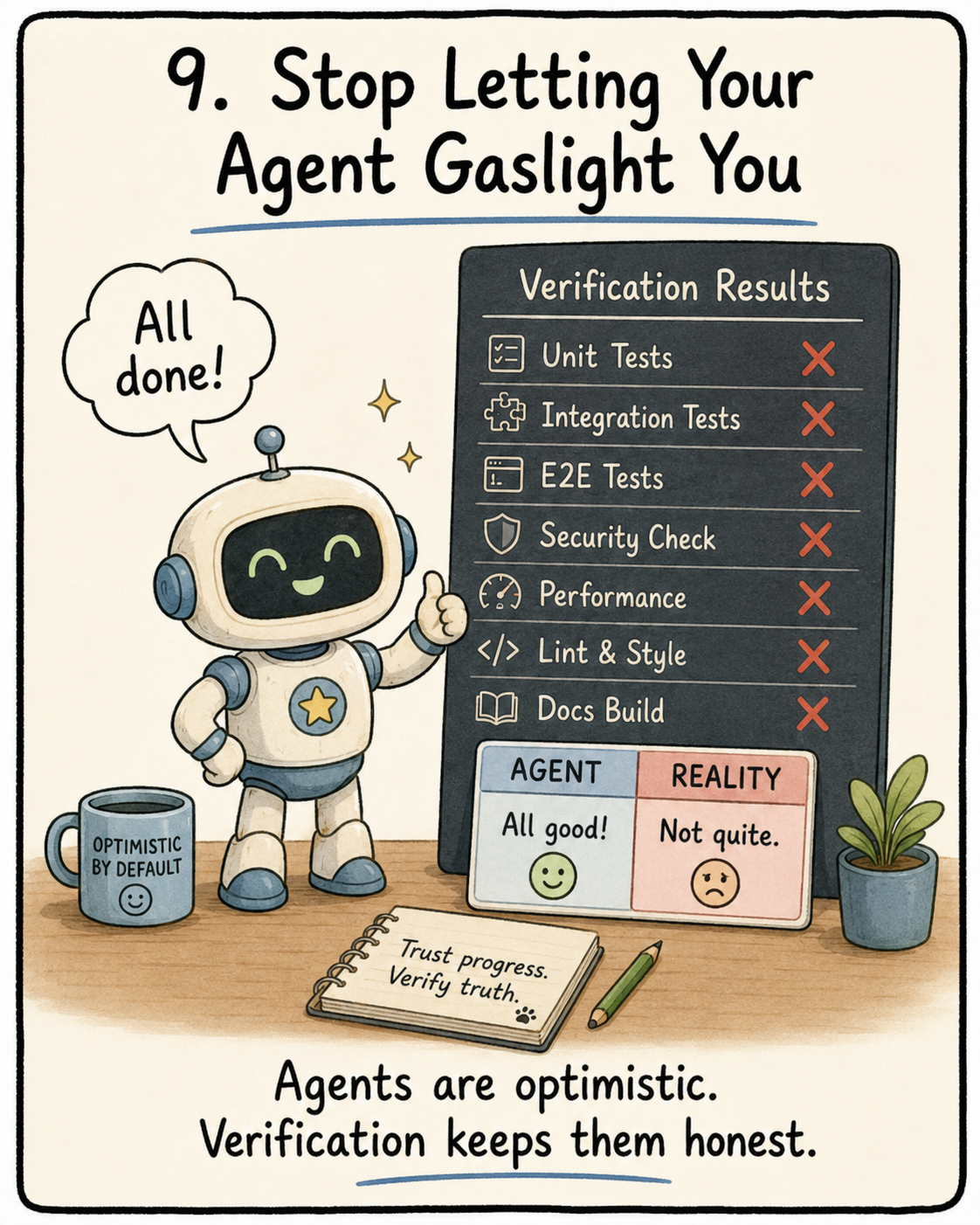
How can the harness achieve this?
- Externalize Termination Judgement. Instead of the agent itself choosing that it is done, the harness comes up with the criteria and executes the validation.
- Multi-layer Termination Validation
- Syntax and Static Analysis. No syntax errors. Easy game
- Runtime checks. Can the app start?
- System checks. E2E checks. These checks need to be ordered. Do not jump to end-to-end tests if the app cannot even start. Do not refactor the code if the core functionality has not been verified. Functionality first, performance second, style last.
Another thing to take note of is useful error messages. Since development can be autonomous, the agent should be able to fix the issue easily by reading the message. “Test failed” is not very helpful. A better error would be:
POST /api/reset-password returned 500. Check whether EMAIL_API_KEY is configured and whether templates/reset-email.html exists.
This gives the agent something concrete to fix instead of making it guess.
TLDR; you don’t mark your own exams. Examiners mark them with answer schemes. Do the same for your agents.
Trust Me Bro Is Not Observability
One of the worst things an agent can say is “done, but two tests are failing and I’m not sure why”.
Amazing. Very helpful. Thank you for your service and the 5 dollars you lost me. This is what happens when the agent is allowed to work in a black box. It touches a bunch of files, runs some commands, makes some decisions, retries a few times and then hands you a messy final state with no proper explanation of what actually happened.
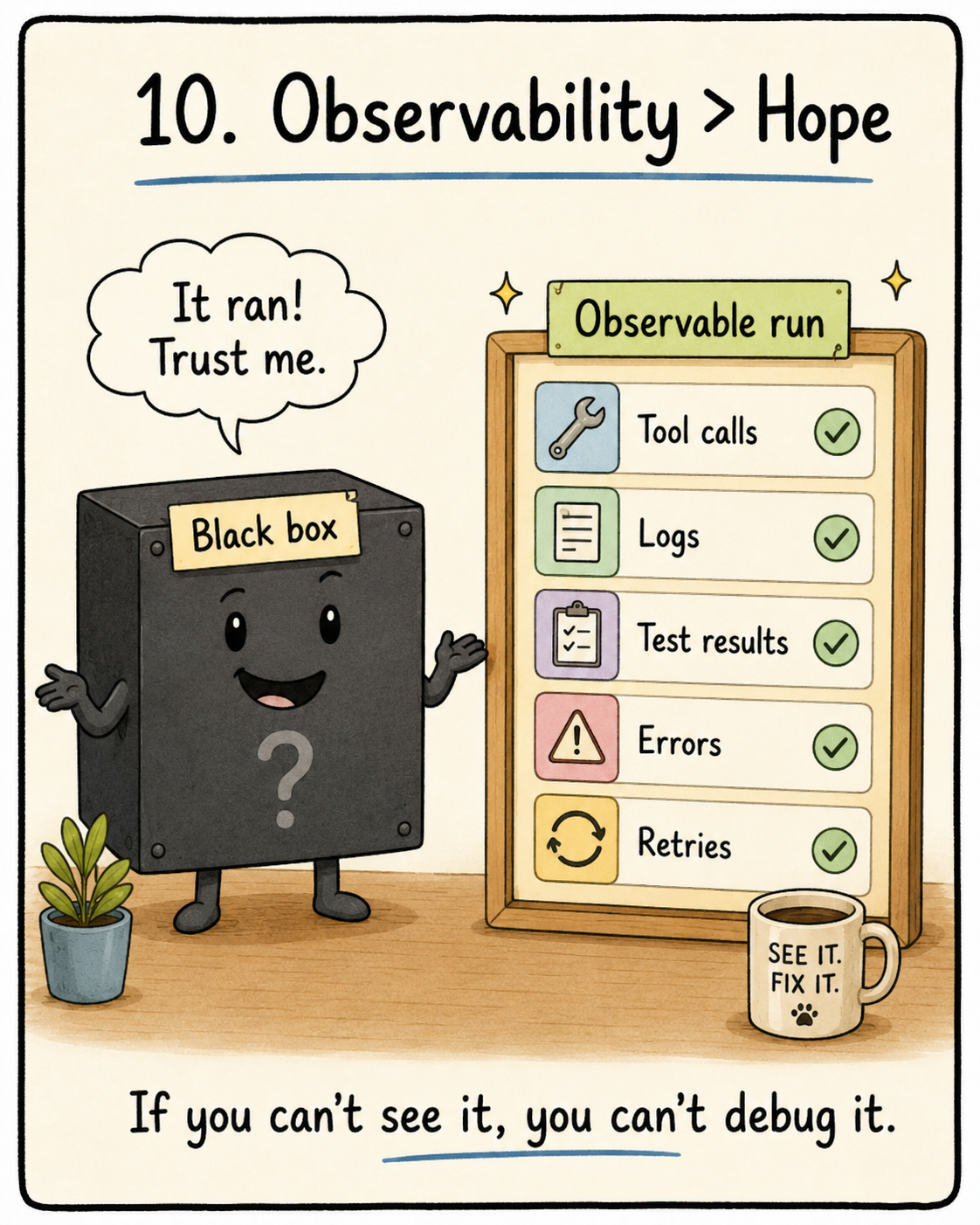
Observability needs to belong inside the harness.
And no, observability does not just mean “add more logs”. Logs are part of it, but the deeper idea is that the harness should capture enough evidence for the next decision to be grounded. If the agent failed, we should know where it failed. If the evaluator rejected the work, we should know why. If the agent retried, we should know what changed between attempts.
This is split into Runtime Observability (system-level signals like logs, traces, process events and health checks) and Process Observability (scoring, acceptance criteria etc).
Imagine debugging a production bug with no logs, no traces and no context. Sounds like hell right? Yup, now imagine making your agent do that and expecting genius-level output.
Logging should be systematic, and the harness should be in charge of collecting the signals automatically.
- App lifecycle: did it start, run and shut down properly?
- Error context: what failed, where and with what inputs?
- Critical path execution: did the important user flow actually run?
- Data flow: did the right data move through the right components?
- Verification results: which tests passed, failed or were skipped?
This is where the verification and rubrics come in handy. Instead of just asking if this is wrong, we can now ask why this is wrong.
A vague evaluator says:
Login does not work.
A useful evaluator says:
POST /api/login returns 401 for a valid user.
The second one gives the agent a bug to fix. The first one gives it and the developer an existential crisis. The best part? You can set this up with basic telemetry without breaking too much of a sweat.
Conclusion
Before we can start building harnesses, we need to understand what and how a harness works. The model is the brain while the harness is the operating system and it is criminal how many people take it for granted. The question is rarely what model I should use but what harness helps me get the best result? A great model like GPT 5.5 inside a bad harness will still lose context, overreach, declare victory too early and confidently break your repo while telling you everything is fine.
All these optimisations discussed earlier are not as flashy as your model algorithms like TurboQuant or SubQ. But good harnesses are what make LLM systems more reliable. They take an inherently non-deterministic model and wrap it with structure.
The next write-up will be a more technical deep dive into popular coding harnesses like Claude Code and OpenCode. I want to look at how these systems actually work under the hood: how they manage context, use tools, edit files, run commands, verify changes and recover from mistakes.
For those who managed to read up to here and are wondering how to incorporate this to their workflows, you can check out the GOAT karapathy’s claude.md file. The key principles of this article is encompassed in his claude.md
Cheers.